Download the app
You can use Cards on your phone with the Cards app, for iPhone and Android.
From the Profile page
- Open Profile.
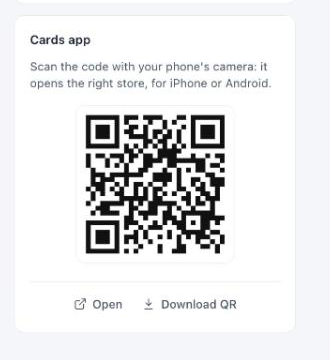
- In the Cards app box on the right, scan the QR code with your phone's camera.
- The right store opens, for iPhone or Android. Install the app.
You can click Download QR to save the QR code as an image, for example to share it with colleagues.
If you open the QR code from a computer
A page Get the Cards app opens with the Download on the App Store and Get it on Google Play buttons, and the QR code to scan with your phone.
If a version is not in the store yet, the page says The Cards app is coming soon: the same QR code will work once the app is published.
Next steps
See Mobile app for the first sign-in.