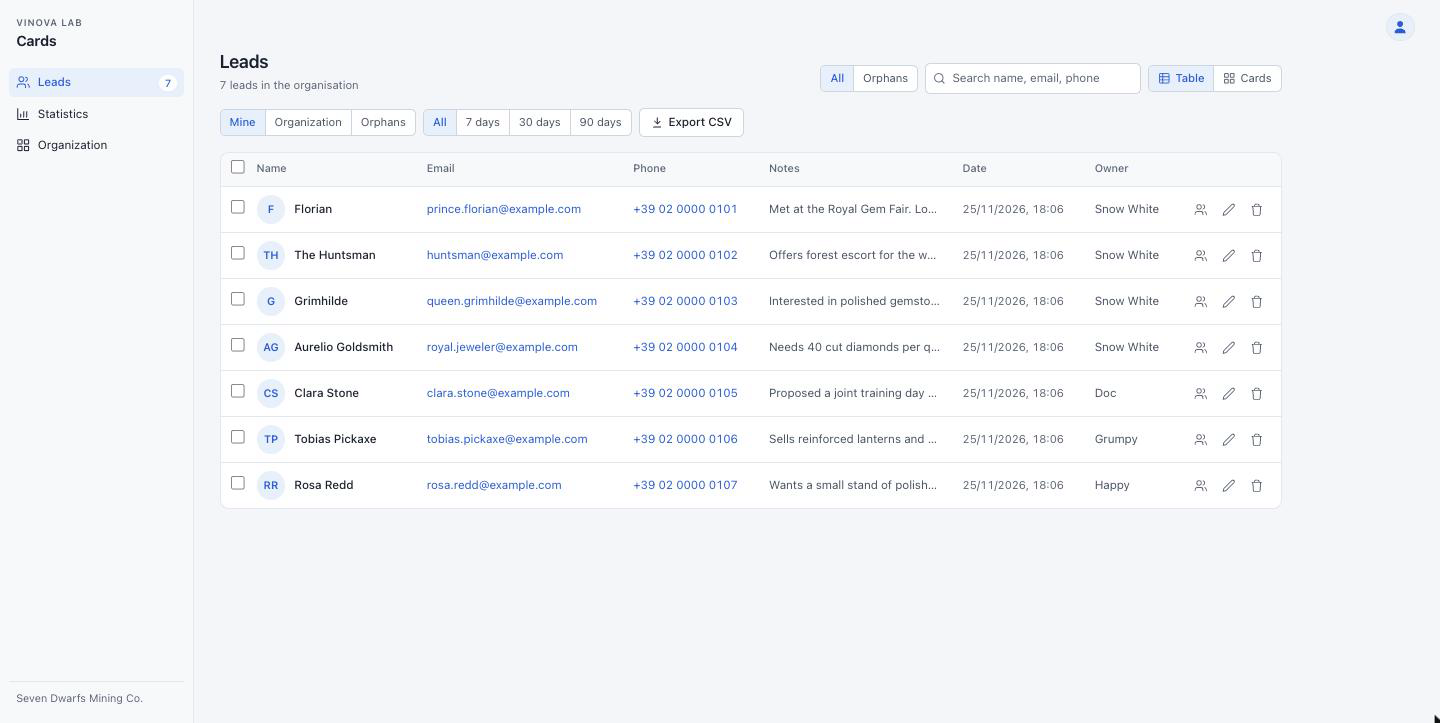
Leads (administrator)
As an administrator, the Leads page shows all the leads of the organization, with their owner.
Who can use it: Administrator role. Users see only their own leads: see Leads.
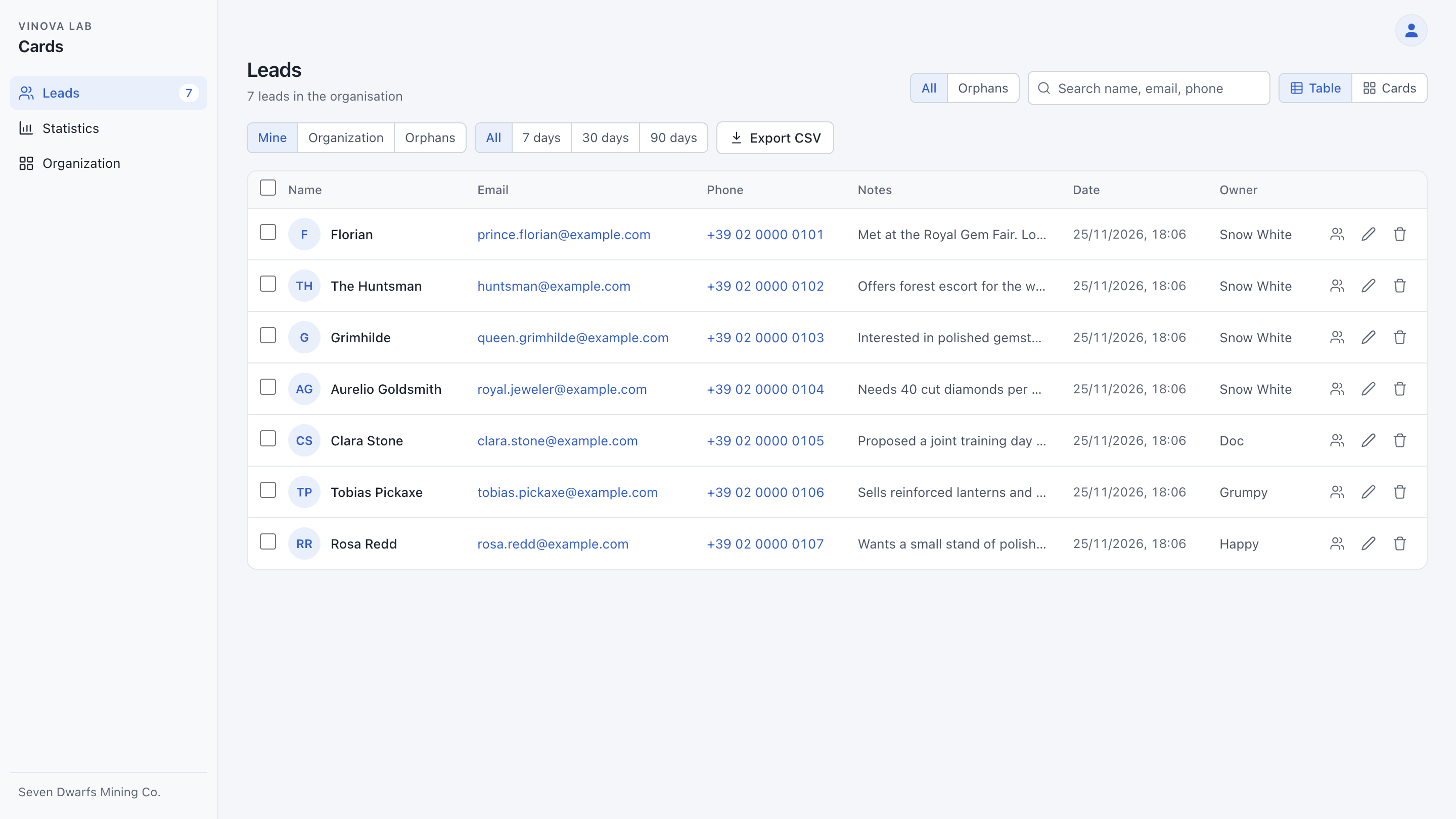
All leads or orphans
With Which leads choose:
- All: every lead of the organization;
- Orphans: leads without an active owner, for example because the person who collected them was removed.
The Owner column says whose lead it is; orphan leads are marked Orphan.
Search, edit, delete
They work as for users: see Leads.
Reassign leads
- Tick the leads to move (or Select all leads shown).
- In Reassign the selected leads, under To, choose the employee who receives them.
- Click Reassign.
A message tells you how many leads moved. Leads that already belonged to that person stay as they are. There is a maximum number of leads per reassignment: if you exceed it, remove some from the selection.
tip
When you remove a person from Cards, their leads stay with the company and become orphans: reassign them from here.
Export
At the bottom of the page you can export the contacts to a CSV file:
- Choose whose: yours, the whole organization, a sub-organization, a person or the orphans.
- Choose the Period: All, 7, 30 or 90 days.
- Click Export CSV.