Mobile app
The Vinova Cards app brings your cards and leads to your phone. It is available on the App Store (iPhone) and on Google Play (Android).
The screenshots in this guide come from the iPhone app. The Android app is identical.
The app has five tabs at the bottom:
| Tab | What you do there |
|---|---|
| Card | Your cards, their QR code, link, Apple Wallet and Google Wallet |
| Profiles | Your details, contacts and profiles |
| Leads | The people who left you their details |
| Statistics | Opens, saves and contacts received |
| Settings | Account, appearance, language, Face ID, sign out |
The app is for your own card: organization management (people, cards, design) is done in the web app.
Download the app
- On your phone, open the App Store or Google Play and search for "Vinova Cards".
- Or scan the QR code on the Profile page of the web app: it opens the right store. See Download the app.
- Install the app.
First sign-in
- Open the app.
- Enter your Email and Password, then tap Sign In.
- If your organization requires two-step verification, the Two-Step Verification screen opens. Enter the 6-digit code from your authenticator app and tap Verify. You can also tap Use a passkey or Use a recovery code.
- Turn on Remember this iPhone if you don't want to enter the code every time on this phone.
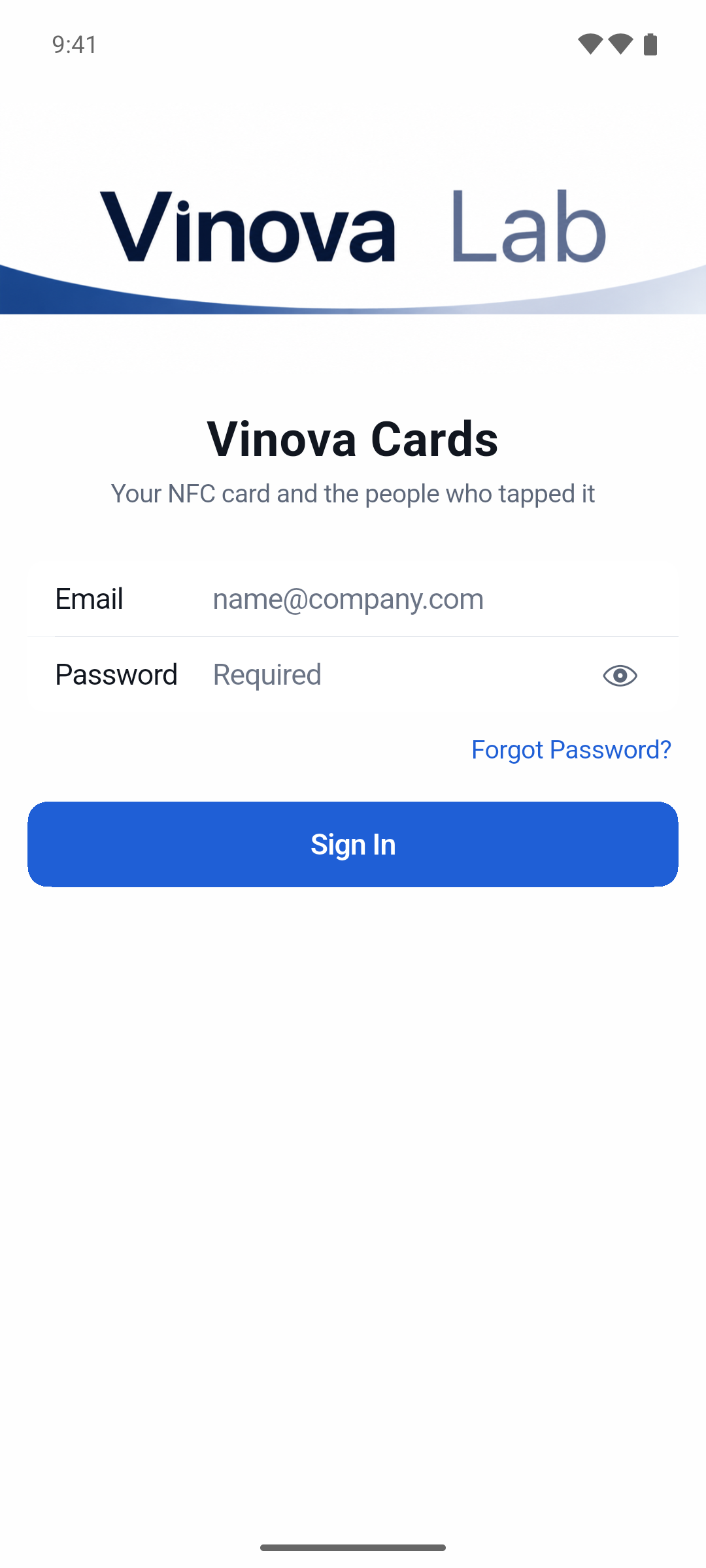
More on second factors: Two-step verification (MFA).
Face ID / Touch ID
After the first sign-in, the app asks Sign in with Face ID next time?. Tap Use Face ID to open Cards with a glance instead of typing your password. On phones with a fingerprint reader it offers fingerprint instead.
You can change this later in Settings.
If you change your password, sign in again with the new password to turn Face ID back on.
Forgot your password
- On the sign-in screen tap Forgot Password?.
- Enter your email and tap Send.
- Open the email on this phone and tap the link.
- Choose the new password, then sign in with it.
Offline
Without a connection the app shows a banner You’re offline. and the data loaded last time. Changes need a connection.