Sub-organizations
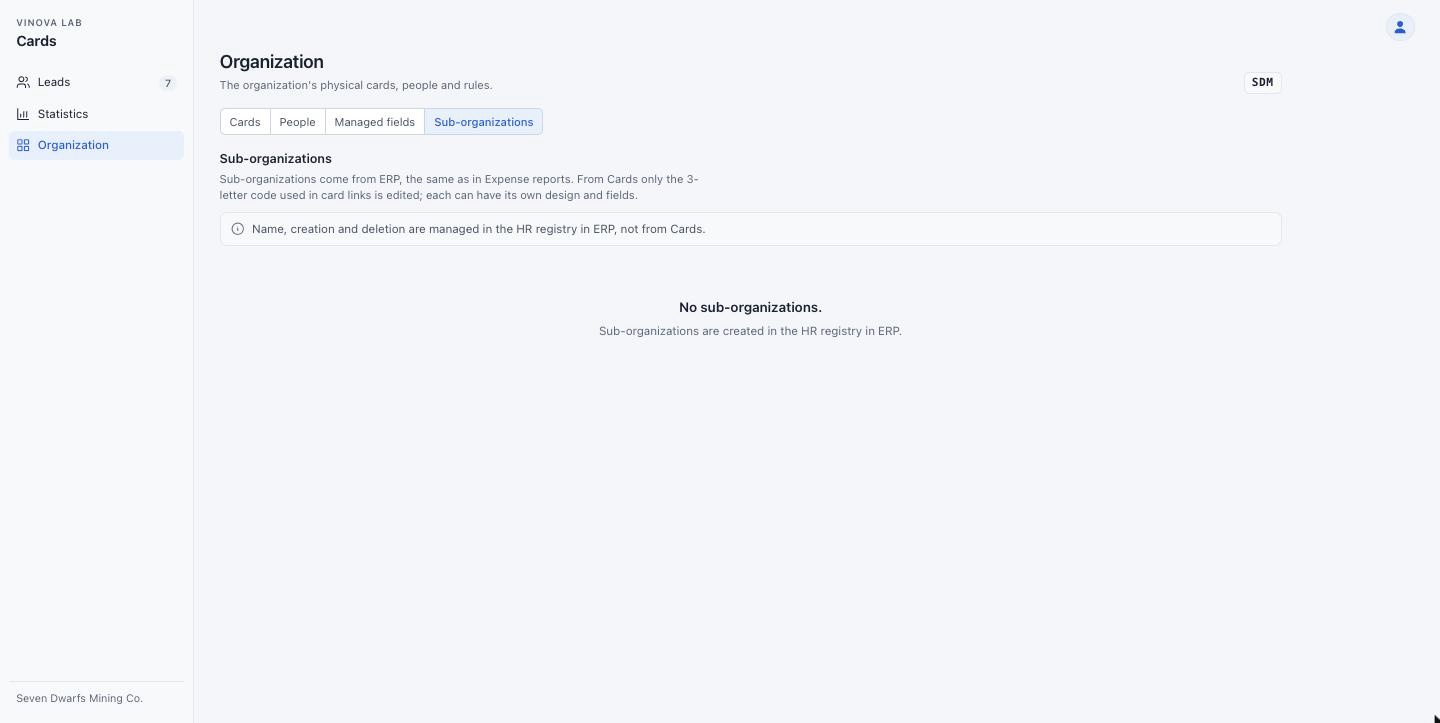
The Sub-organizations tab of Organization lists the company's sub-organizations (for example branches or companies of the group).
Who can use it: Administrator role.
From the HR registry
Name, creation and deletion are managed in the HR registry in ERP, not from Cards. Each employee's sub-organization also comes from ERP and is read-only.
Set the code of a sub-organization
From Cards you only edit the 3-letter code used in card links.
- Click Set the code (or the pencil next to the existing code).
- Enter 3 letters, different from the other sub-organizations'.
- Save.
If a sub-organization has no code yet, the Cards tab warns you and offers Set the code.
Design and fields per sub-organization
Each sub-organization can have:
- its own managed fields rules: see Managed fields;
- its own card design, made by the Card Designer: see Card Studio Design.