Account security
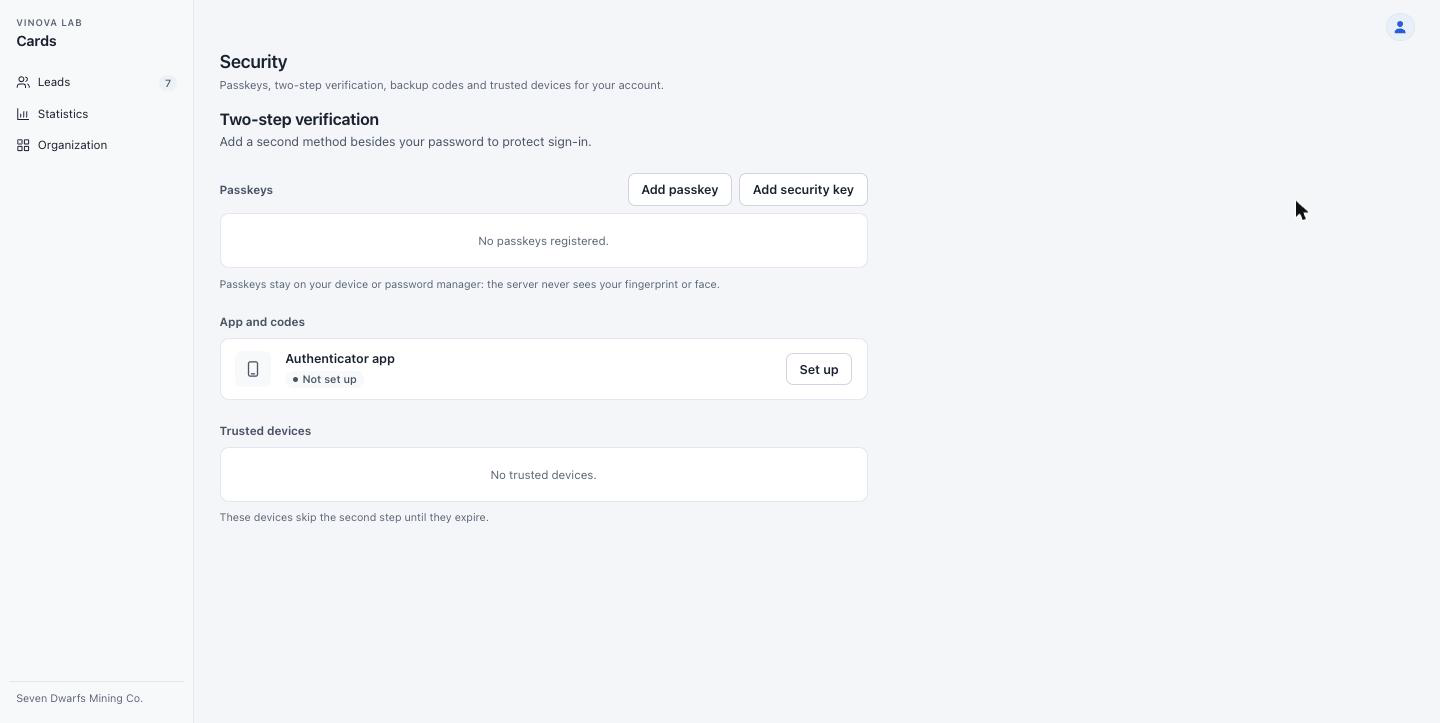
On the Security page you manage how you sign in: passkeys, two-step verification, backup codes and trusted devices.
Who can use it: everyone, whatever the role.
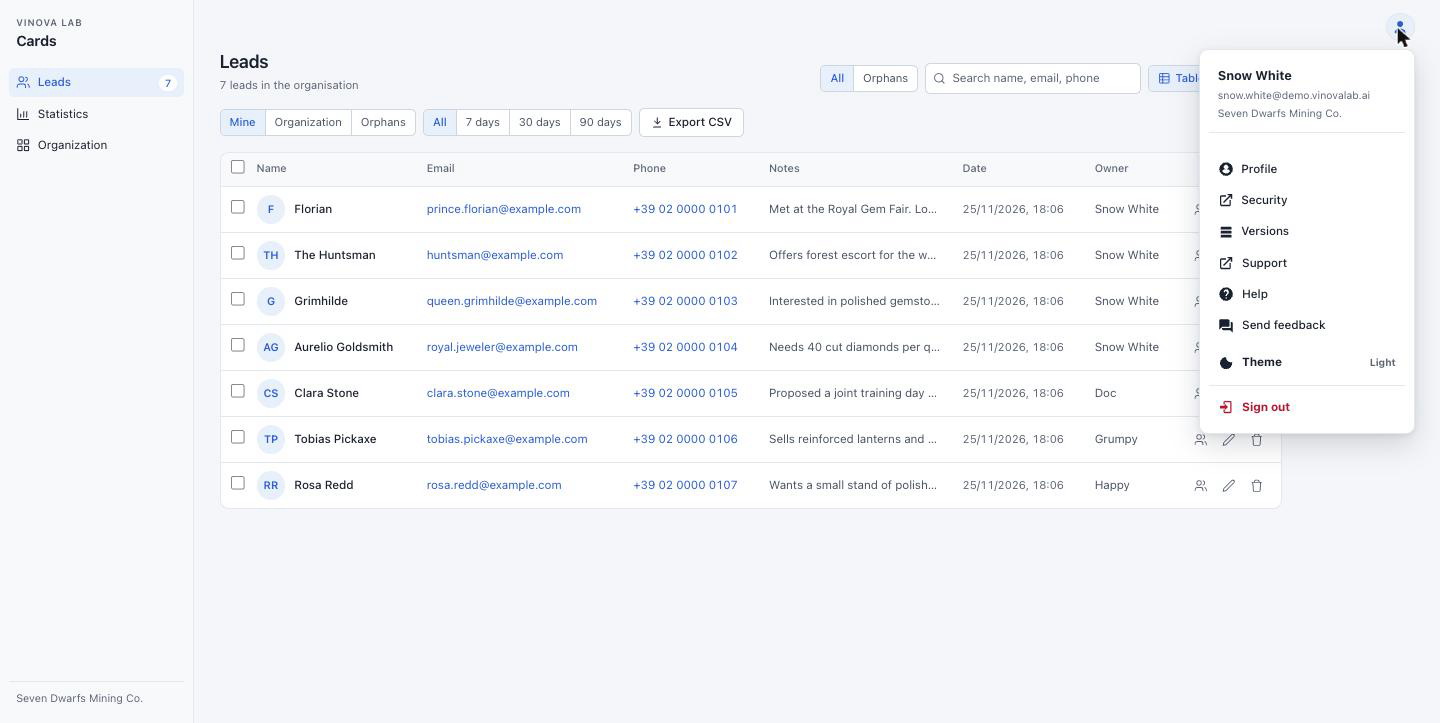
Open the Security page
- Click your user icon at the top.
- Choose Security.
What you can do
- add or remove a passkey or security key;
- turn on two-step verification with an authenticator app;
- create new backup codes;
- see and remove trusted devices.
Some changes ask you to confirm your identity again: a Confirm your identity window opens.
The step-by-step guide for every method is in Two-step verification (MFA). It is the same for all Vinova portals.