Managed fields
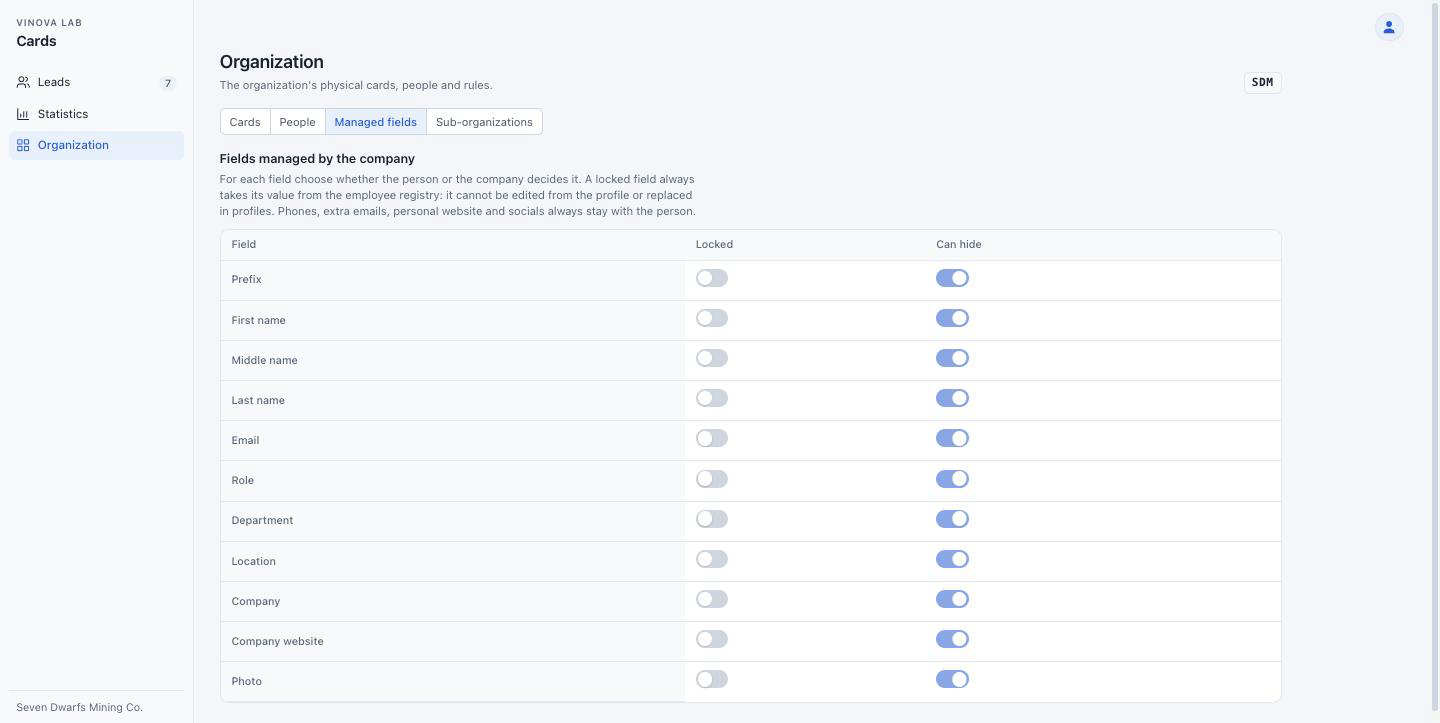
On the Managed fields tab of Organization you decide, field by field, whether the person or the company decides its value.
Who can use it: Administrator role.
What a locked field does
A Locked field always takes its value from the employee registry:
- the person cannot edit it from their profile;
- it cannot be replaced in profiles.
Can hide says whether the person can still leave it out of a profile. If not, the field is always shown.
Users see locked fields with the label Managed by the company.
Set a field
- In Applies to, choose The whole company or a sub-organization.
- For each field tick Locked and, if needed, Can hide.
- Click the save button on the row.
A sub-organization follows the Company rule until you give it its Own rule.
The fields are: Prefix, First name, Middle name, Last name, Email, Role, Department, Location, Company, Company website, Photo.
note
Phones, extra emails, personal website and social profiles always stay with the person: the company cannot lock them.
Related pages
- Profile: how users see locked fields.