Statistics tab
The Statistics tab shows your own numbers over 7, 30 or 90 days.
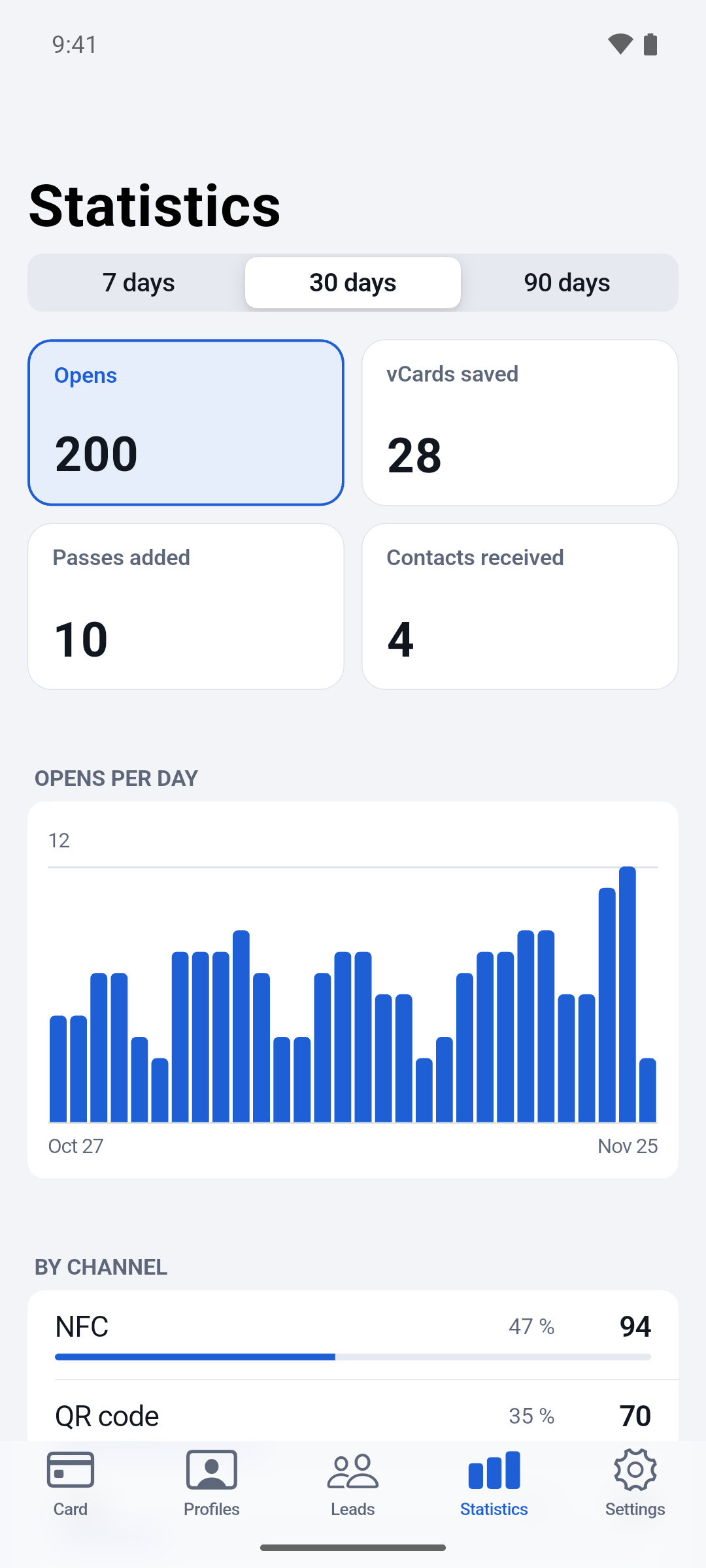
- Choose the period at the top: 7, 30 or 90 days.
- Read the numbers: Opens, vCards saved, Passes added, Contacts received.
- Look at the chart per day and the By channel table: NFC, QR code, Link, Not specified.
Opens from the Wallet and from links that don't say the channel count as Not specified.
Pull down to refresh. With no data you see No data in this period yet. and a Show QR code button.
The organization's statistics are only on the web app.