Statistics (administrator)
As an administrator you can see the statistics of the whole organization, not just your own.
Who can use it: Administrator role.
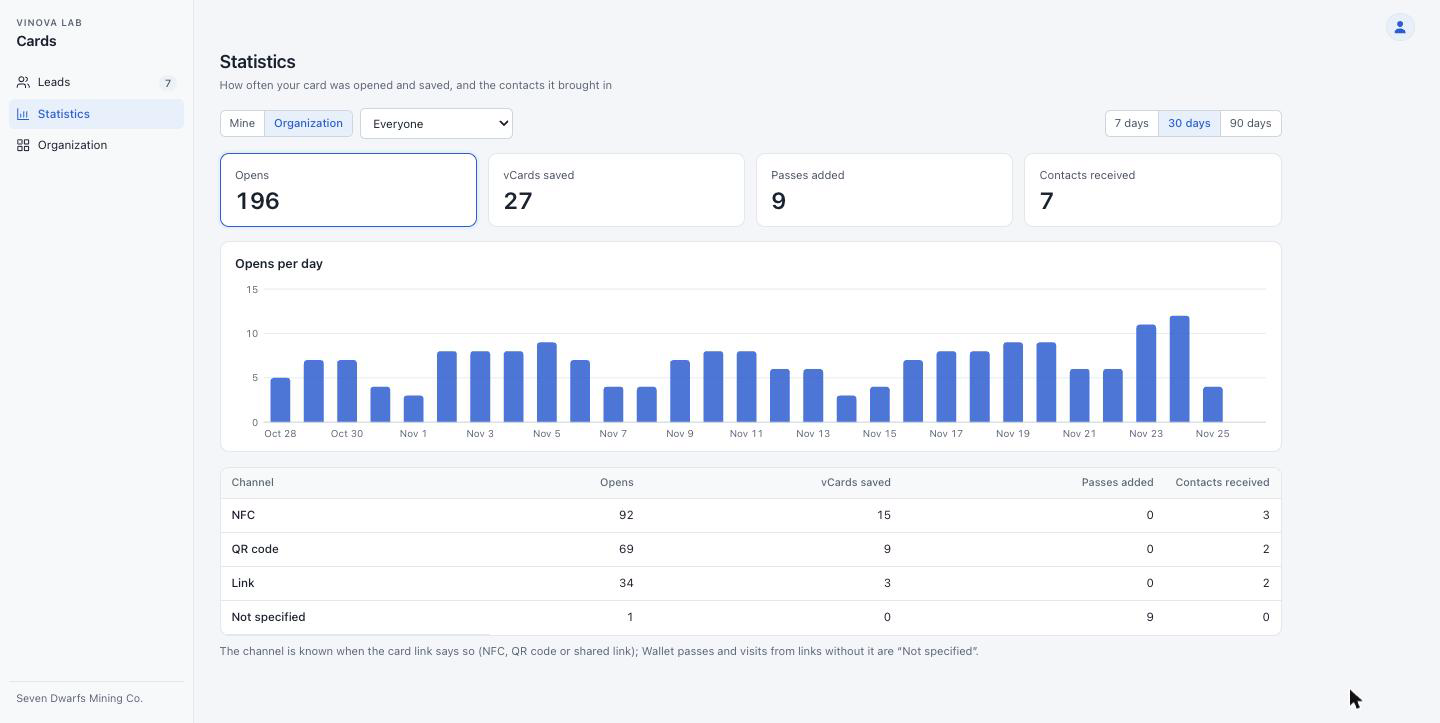
- Open Statistics.
- In Whose, choose Mine or Organization.
- With Organization you can narrow down by Sub-organization (or All sub-organizations) and by Person (or Everyone).
- Choose the Period: 7, 30 or 90 days.
The numbers, the chart and the channel table are the same as for users: see Statistics.