Leads tab
The Leads tab lists the people who left you their details, grouped by day: Today, Yesterday, This Week, Earlier. New leads have a dot.
The app shows only your own leads, also if you are an administrator. The organization's leads are on the web app.
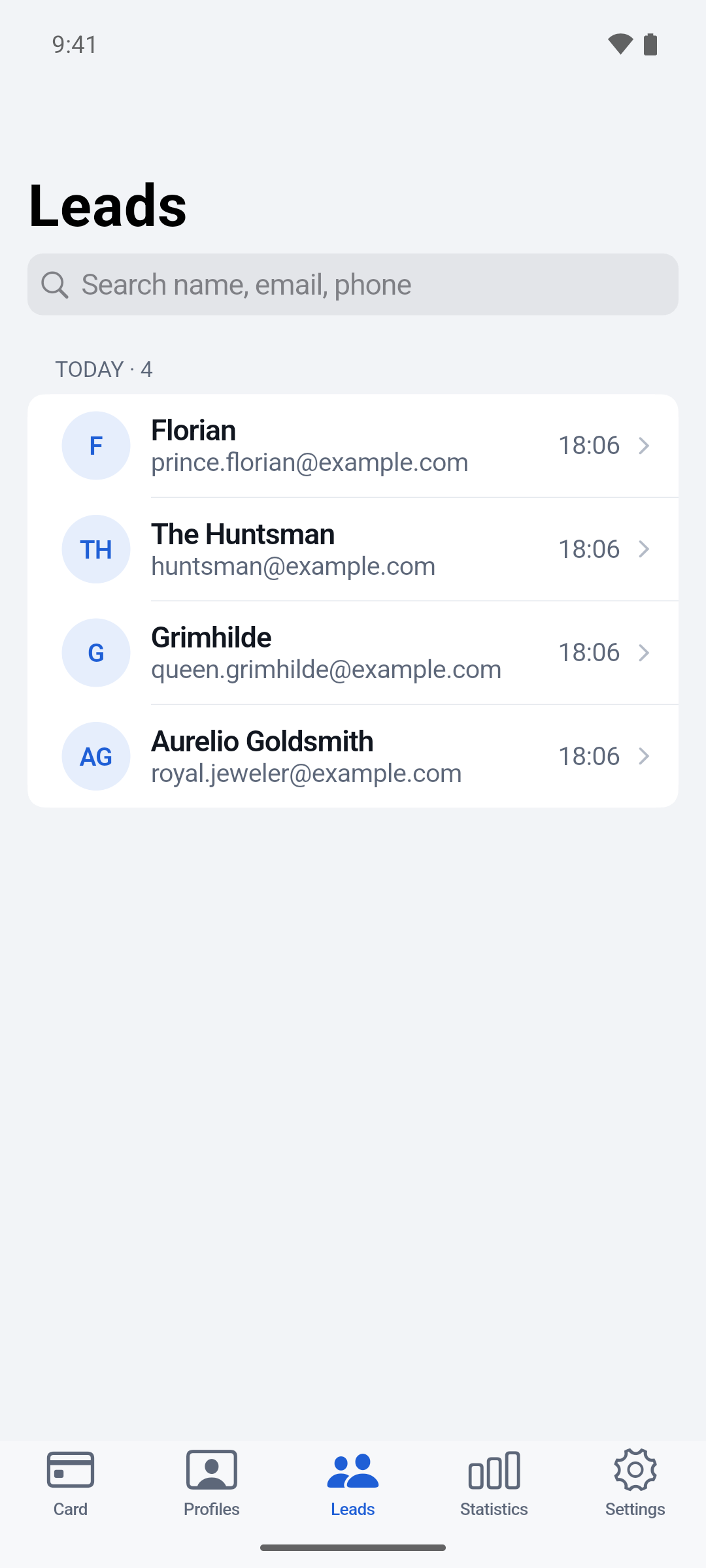
Find a lead
Type in Search name, email, phone at the top.
Open a lead
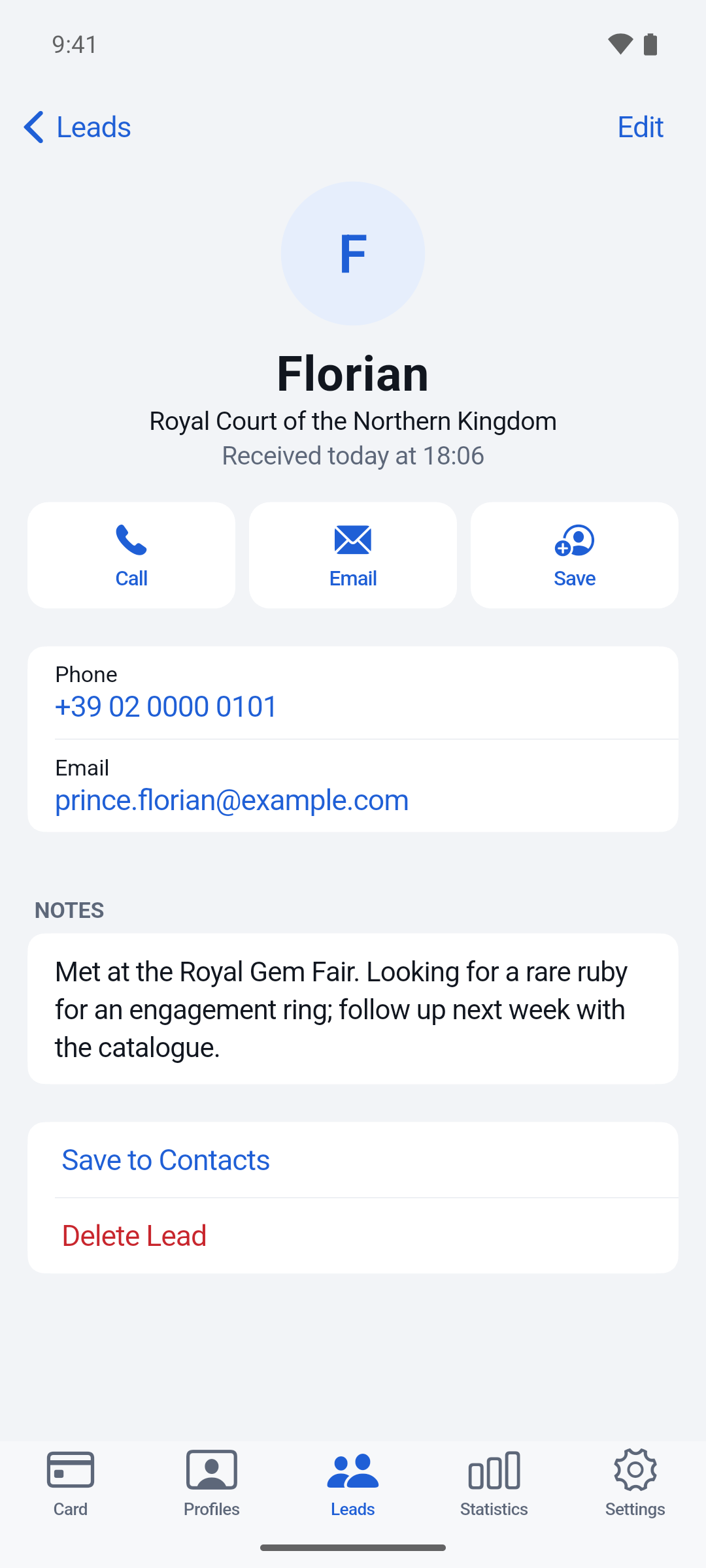
Tap a lead to see name, email, phone, notes and when it was received. From here:
- Call or Email the person;
- Save to Contacts to add them to your phone's address book (the app asks for access to Contacts the first time);
- Add a Note;
- Edit the lead;
- Delete Lead. This can't be undone.
You can also swipe a lead in the list to reach Contacts quickly.
No leads yet?
The tab shows No Leads Yet and the Show QR Code button: let someone scan it to open your card.
note
The app does not export leads. To download a CSV file use the web app.