Web app
The Cards web app works in any recent browser, on a computer or on a phone. This section is for people with the User role.
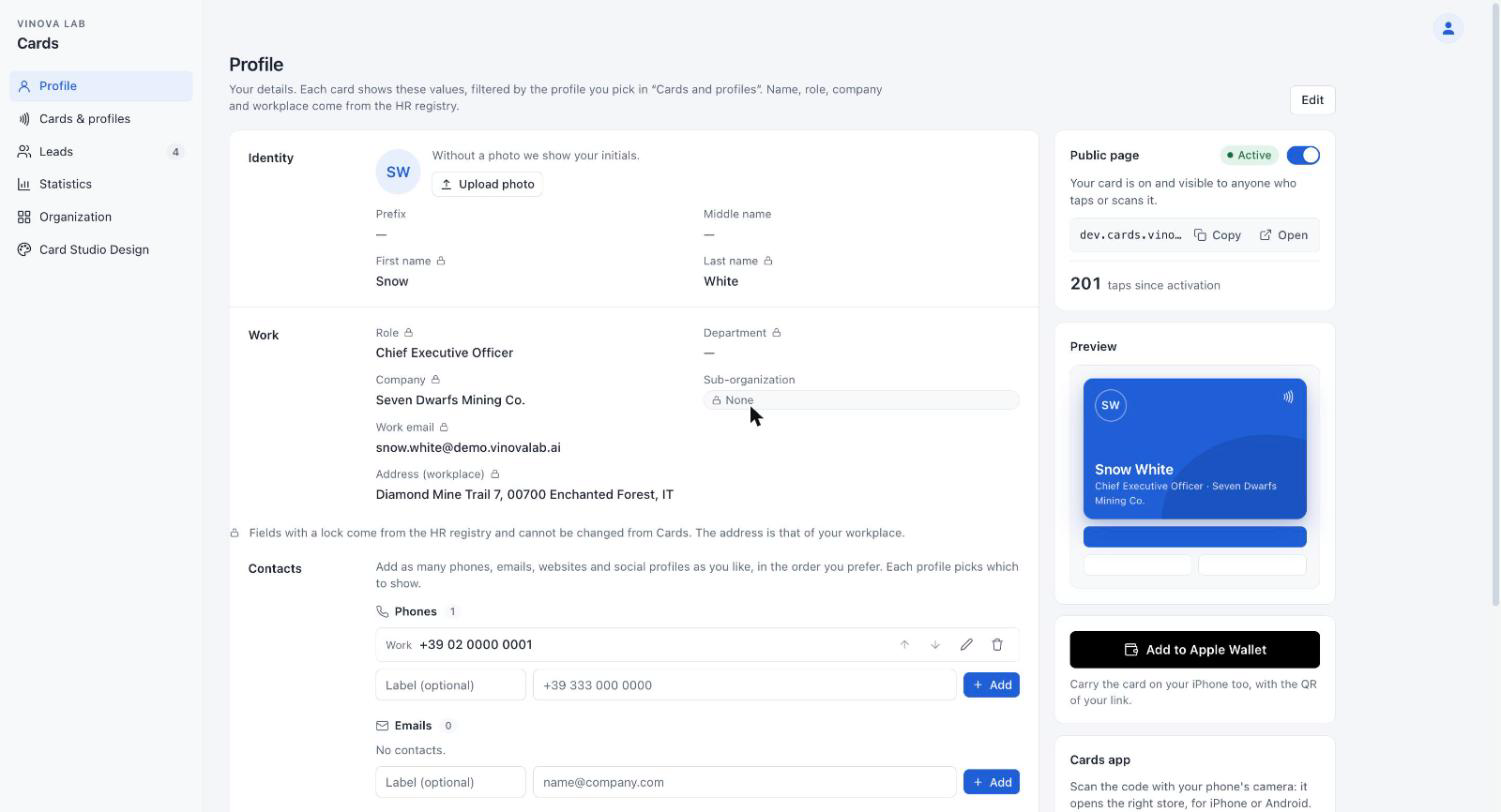
The menu
| Page | What you do there |
|---|---|
| Profile | Your details, your contacts, the preview of your card |
| Cards & profiles | Your cards and the profiles that decide what each card shows |
| Leads | The people who left you their details |
| Statistics | How many times your cards were opened and saved |
Next to Leads a small number shows how many leads you have.
If you also have other roles, you see their pages too: see Roles.
The user menu
Click your user icon at the top to open the user menu. From there you reach:
- Profile,
- Security: passkeys, two-step verification, backup codes and trusted devices. See Account security.
- Theme: Light or Dark,
- Sign out.
The menu also has Versions, Support, Help and Send feedback: they are the same in every Vinova Lab platform.
Before you start: is Cards enabled for you?
An administrator has to enable Cards for you. Until then:
- on Profile you see Cards is not enabled and you can already prepare your contacts;
- on Cards & profiles you see Cards is not enabled for you.
If an administrator disabled Cards for you, you see Cards is disabled for you.: your cards are off, but your contacts stay saved. In both cases, ask your administrator.